
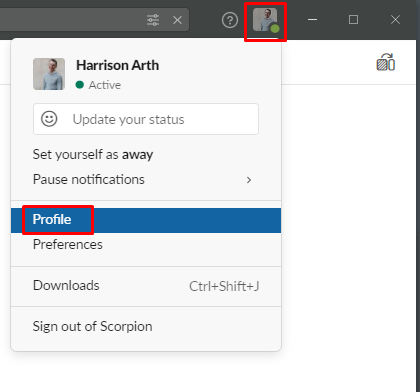
1. Click your profile photo in the top-right of Slack and select Profile.
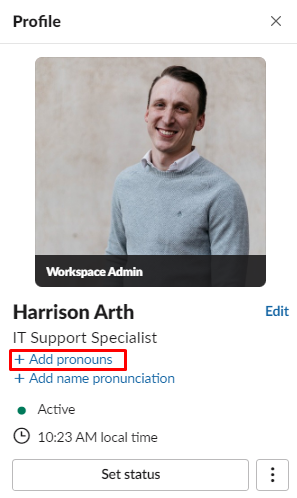
2. Next, select the Add pronouns button under your name.
3. Your profile will pop-up, and you will have the option to change your pronouns here.
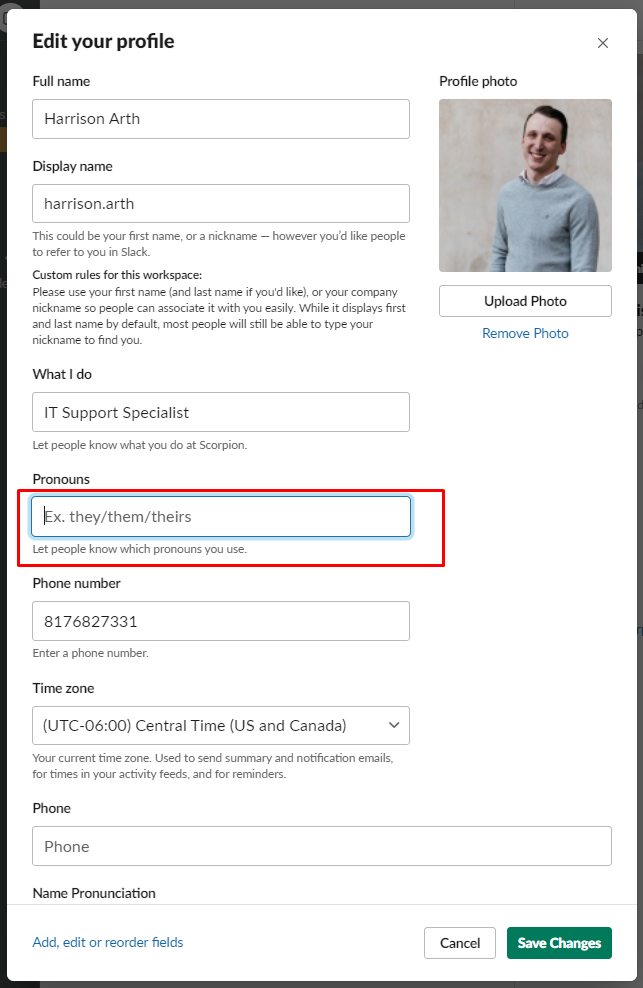
4. Enter your pronouns, and click Saves Changes.
Comments
0 comments
Article is closed for comments.